Best place to start
Check compatibility
Narrow the correct system, map family and region from your vehicle details.
Find my update
Independent navigation compatibility specialist
Choose your model, year, navigation system and map region to find the compatible update without the guesswork.
Vehicle compatibility
Sourced navigation registry reference
Step-by-step DIY USB tutorial
North America, Europe, Aus & NZ
Dedicated BMW navigation experts
Choose your starting point
Start with what you know. NavDecode will guide the next step.
Best place to start
Narrow the correct system, map family and region from your vehicle details.
Find my updateIf the system is unknown
Compare screen and menu clues to identify the likely navigation generation.
Identify my systemIf the map label is known
Review map families and understand which navigation platforms they support.
Browse map familiesFor imported vehicles
Compare regional coverage before selecting any navigation update.
Explore map regionsBrowse by system
Compare common navigation generations and their typical map-family labels. Always confirm the current map-version screen.
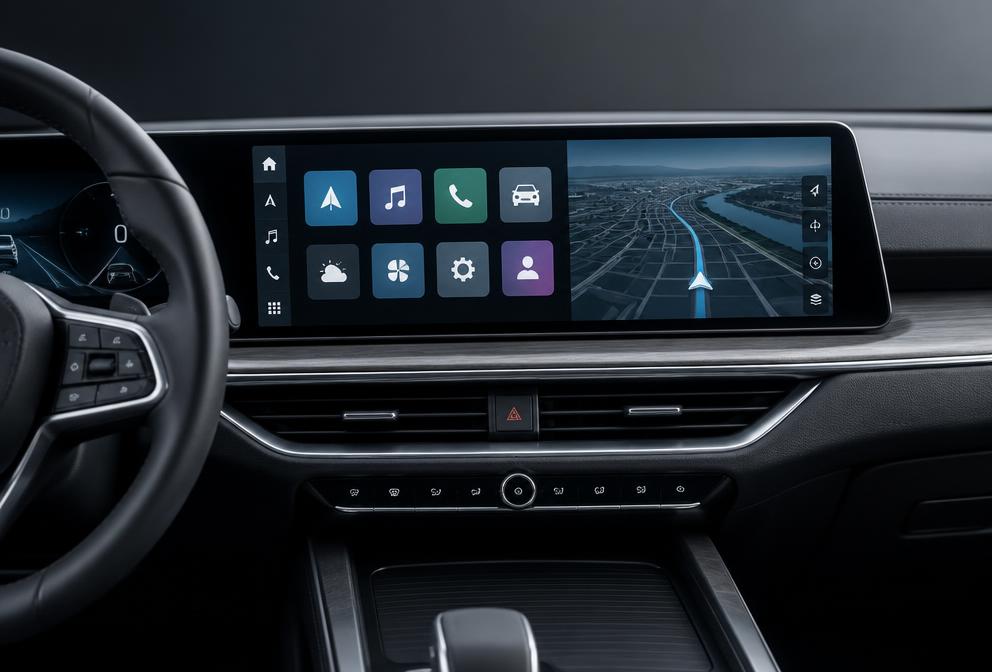 Head unit profile
Navigation system
High-tier BMW navigation platform (ID4 / ID5 / ID6) paired with Road Map EVO map updates.
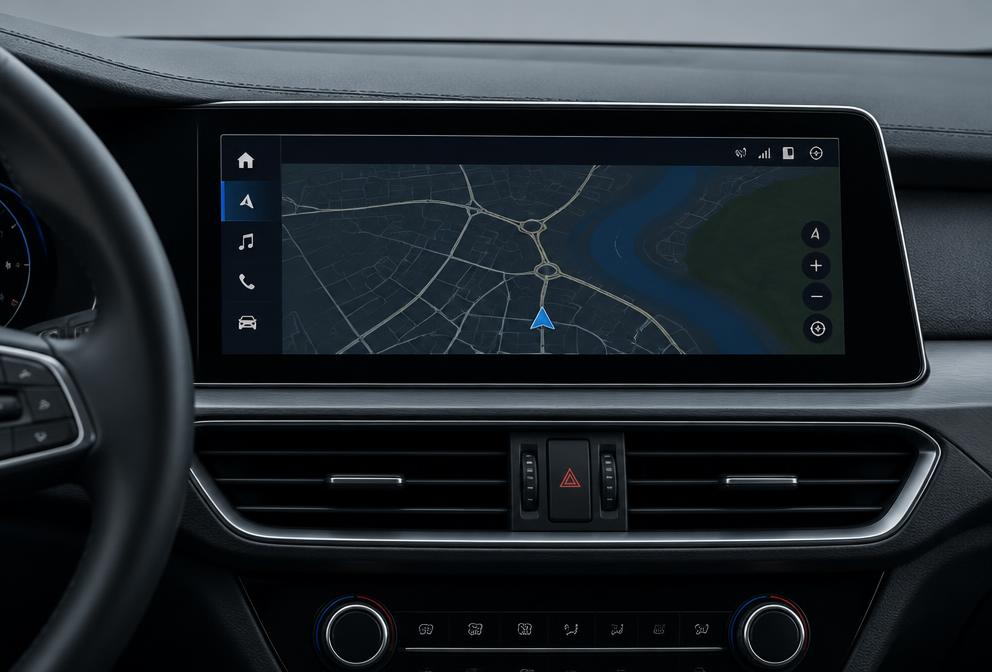 Head unit profile
Navigation system
BMW navigation head unit platform paired with Road Map NEXT map updates.
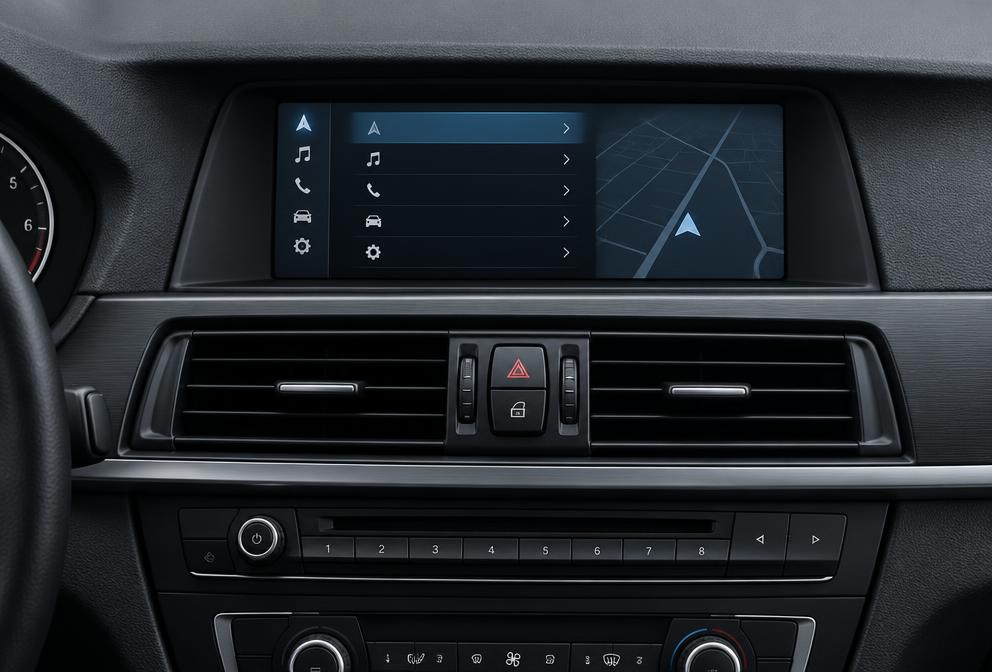 Head unit profile
Navigation system
Second-generation iDrive platform paired with Road Map PREMIUM map updates.
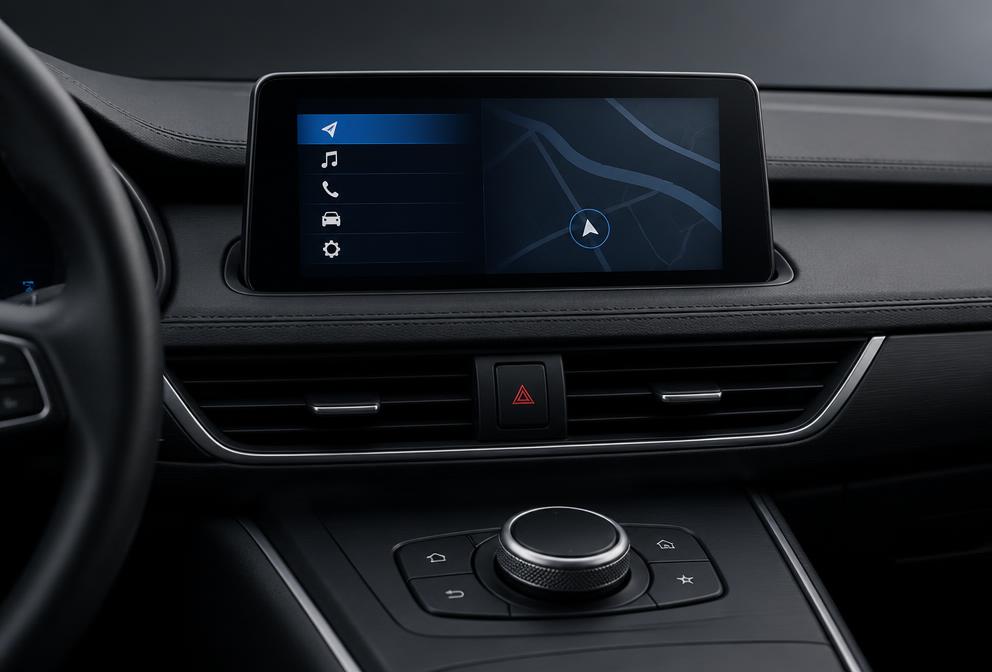 Head unit profile
Navigation system
Magneti Marelli business navigation platform with ROUTE maps.
BMW model years overlap during mid-cycle LCI refreshes. Click your iDrive screen layout on the right to visually identify your exact head-unit, required map family, and verified 2025/2026 update.
Or Decode via 17-Character VIN
Have your vehicle identification number? Enter your VIN to check compatibility against our navigation registry:
Compatible Navigation Map Family
BMW Road Map Europe EVO Update Reference
Popular model hubs
Use model and chassis context to narrow the possibilities, then verify the installed system.

Model guide
GenerationsG20 · G21 · F30 · F31 · F34 · F80 · E90 · E91 · E92 · E93
Explore 3 Series
Complete model directory
Browse the full model hub, then confirm the installed navigation system before choosing an update.
How NavDecode works
Select your model and production year.
Confirm the installed navigation or head-unit generation.
Match the correct map family and geographic region.
View the compatible update and available delivery options.
Map families
Map-family names describe different navigation data lines and are not interchangeable.

Map family for NBT Professional systems. High-speed USB update with legitimate vehicle-matched activation.
Explore NEXT
Map family for NBT Evo ID4, ID5, and ID6 systems. High-speed USB update with legitimate vehicle-matched activation.
Explore EVO
Map family for CIC Professional hard-drive navigation systems. High-speed USB update with legitimate vehicle-matched activation.
Explore PREMIUM
Map family for EntryNav Business systems (option S606A). High-speed USB update with legitimate vehicle-matched activation.
Explore ROUTE
Map family for EntryNav2 systems (option S6UNA/S6UPA). High-speed USB update with legitimate vehicle-matched activation.
Explore WAYFind your compatible update
Product details stay structured around navigation system, map family, and region, so fitment is confirmed first.
NEXT · Europe WestWhy NavDecode
We help narrow down the installed navigation system and correct map family before you choose an update.
Guidance is organized around the actual navigation platform rather than model year alone.
Navigation-map regions are clearly separated to reduce incorrect selections.
Preparation and installation resources are available for supported updates.
Resource library
Expert guide
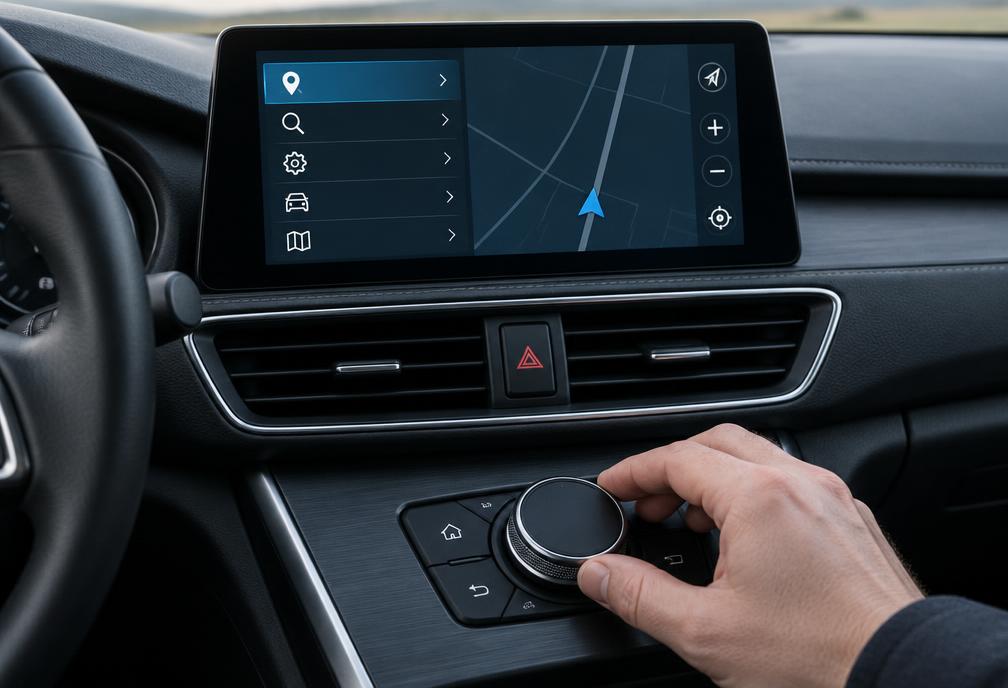
A complete verified walkthrough for downloading, preparing USB flash drive media, and completing map installation in CIC, NBT, and NBT Evo systems.
Browse guidesExpert guide
Accurately determine whether your vehicle is fitted with CCC, CIC, NBT, NBT Evo, EntryNav, or MGU using verified hardware and interface signals.
Read guide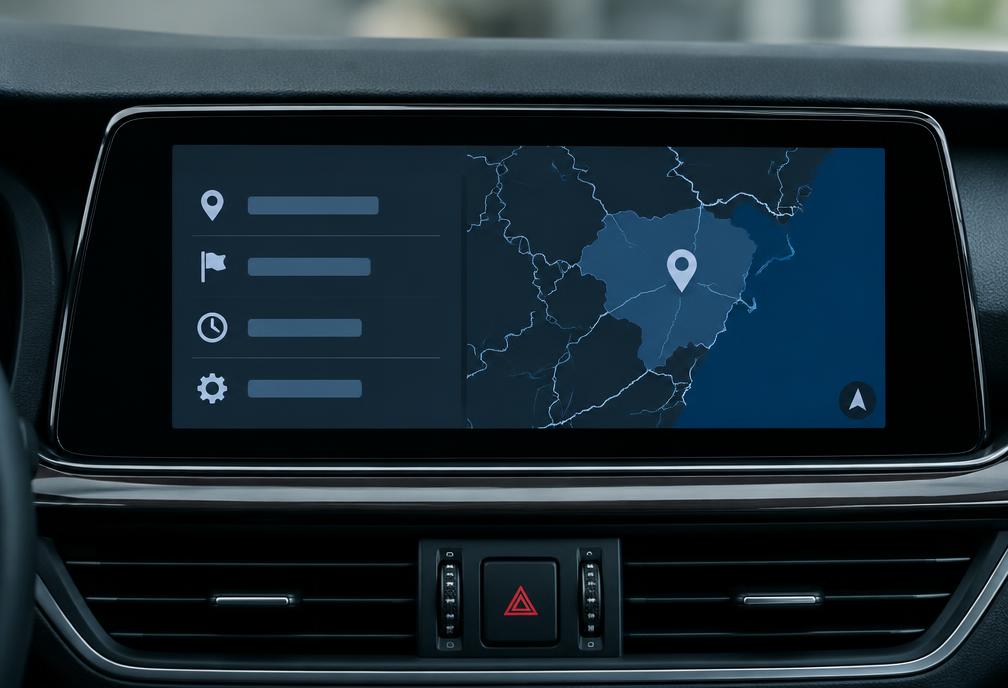
Expert guide
Step-by-step instructions to find your installed map release year, region, and map family name in iDrive.
Read guide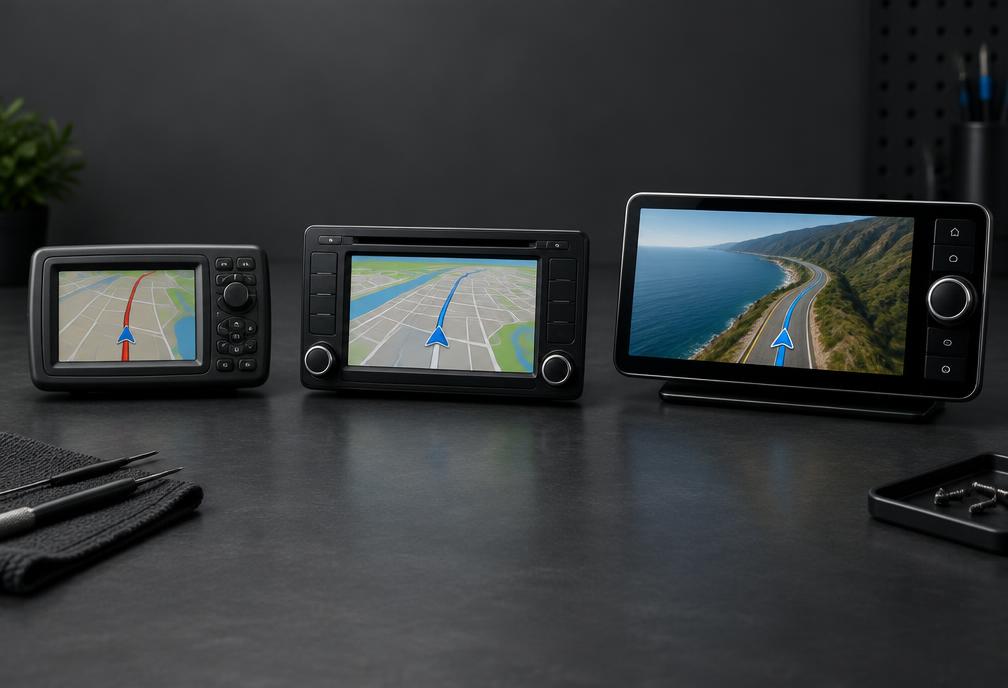
Expert guide
Definitive engineering comparison of every BMW iDrive navigation platform, internal storage, display resolution, and compatible map streams.
Read guideGlobal coverage
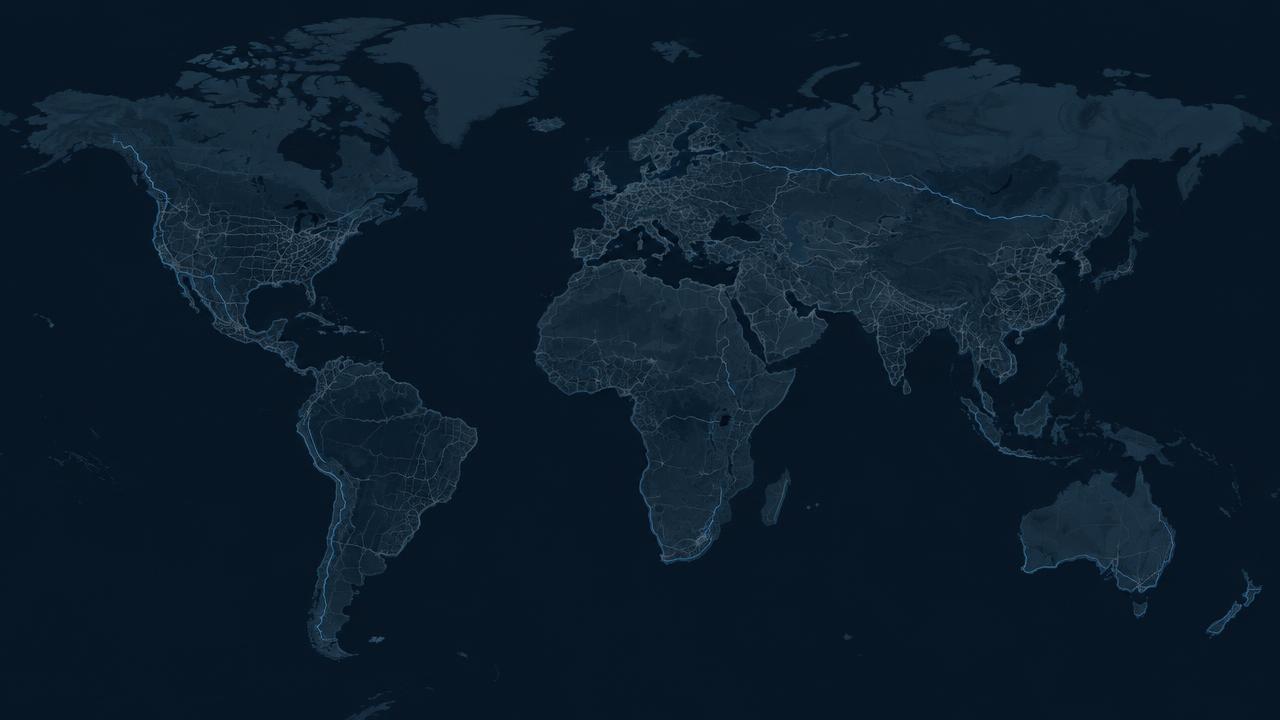
Explore North America, Europe West, Europe East, and Australia & New Zealand. Commercial availability remains product-specific.
General guidance for collecting the right information before selecting an update.
Compatibility first
Use NavDecode to narrow down your navigation system, map family and region before choosing an update.