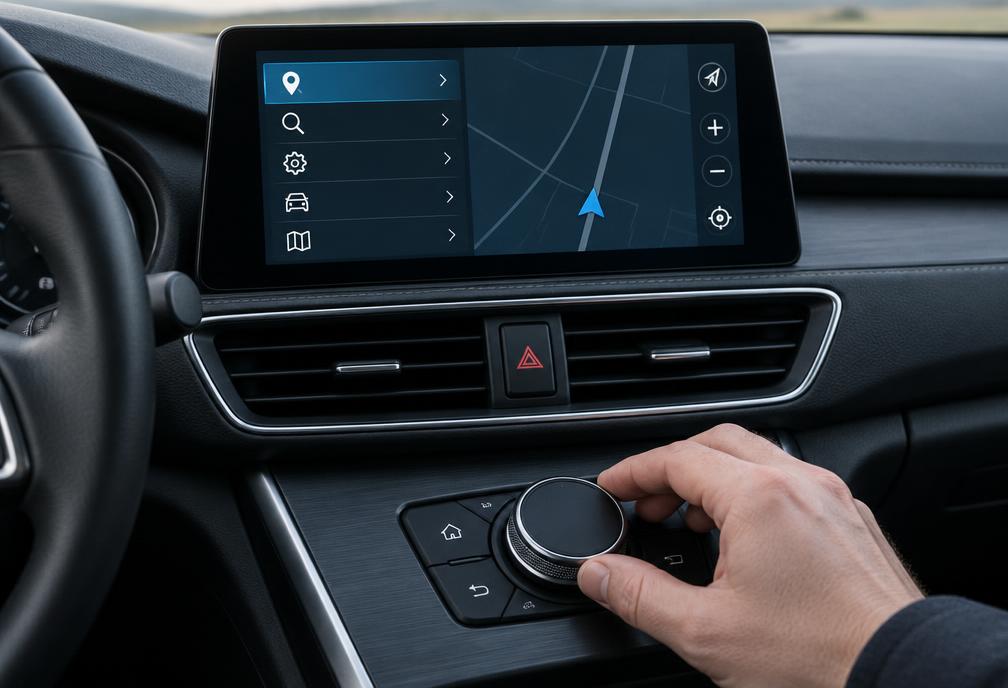
The Navigation System Version Screen (Primary Method)
The most authoritative method to identify your system without dismantling the dashboard is through the iDrive settings menu.
- Turn on vehicle ignition and press NAV on the iDrive controller.
- Press the OPTION button on the controller.
- Scroll down to 'Navigation system version' and click the rotary dial.
- Read the top line. For example: 'Road Map Europe NEXT 2014-2' confirms an NBT system requiring NEXT updates.
Common questions
Author and references
Use the information shown on your vehicle screen as the deciding reference. If the label is unclear, contact support before choosing a product.