Technical guide

How to Check Your Current BMW Map Version

Step-by-step instructions to find your installed map release year, region, and map family name in iDrive.

Reference guide · Review date: Verified September 2026

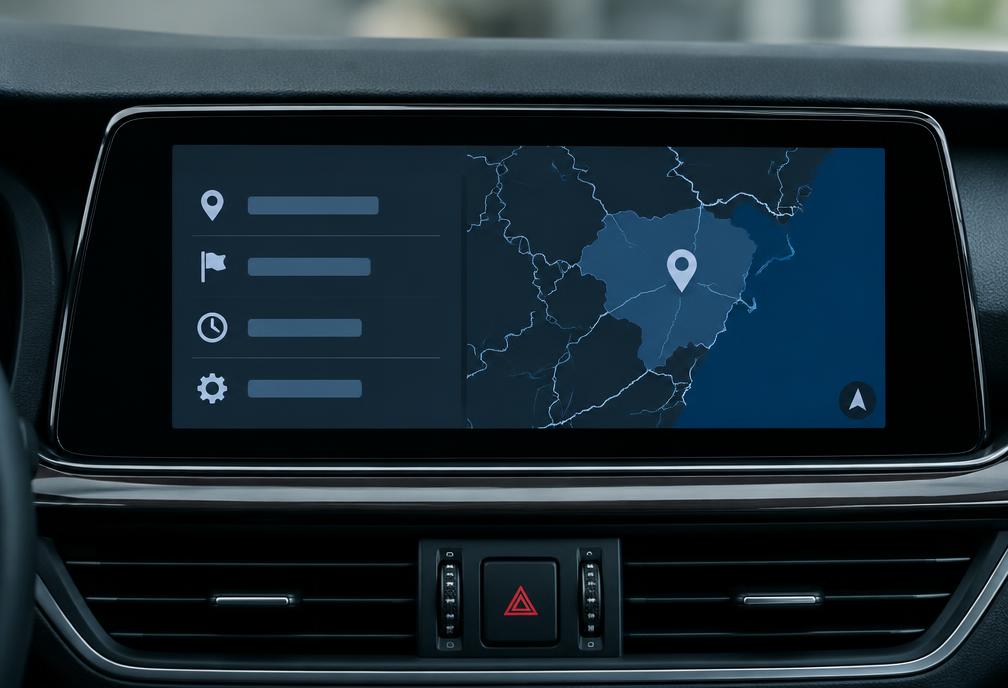
Open Navigation > Options > Navigation System Version to display the installed region, map family, and year release.
How to Check Your Current BMW Map Version reference visual
Practical guidance for identifying the correct navigation setup

Finding the Map Version Screen

Navigate to Navigation options to see your current map name and year.

Common questions

Author and references

Use the information shown on your vehicle screen as the deciding reference. If the label is unclear, contact support before choosing a product.

Related guides

Find My Update